
Automated README generation
Build clear project docs from repository context instead of starting from a blank page.
GitHub README Generator + Developer Visibility Suite
GitHance helps developers create GitHub profile READMEs, generate project READMEs, preview markdown, compare profiles, and review security signals from one public workspace built for discoverability and faster shipping.
Active path
Shape developer-first sections, live contribution visuals, and a profile README that communicates your strengths clearly.
How GitHance Works



Repository + Profile Intelligence
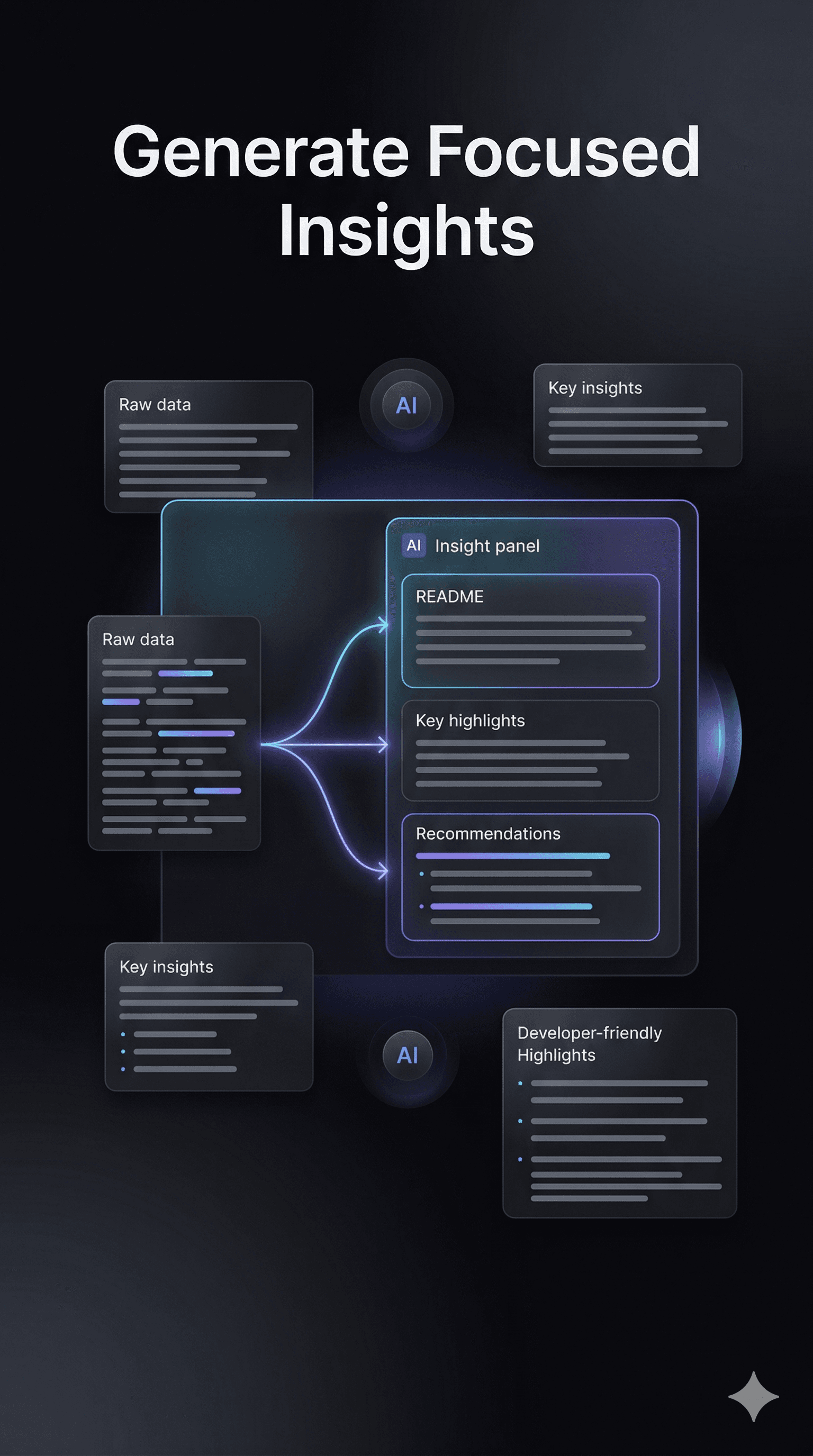
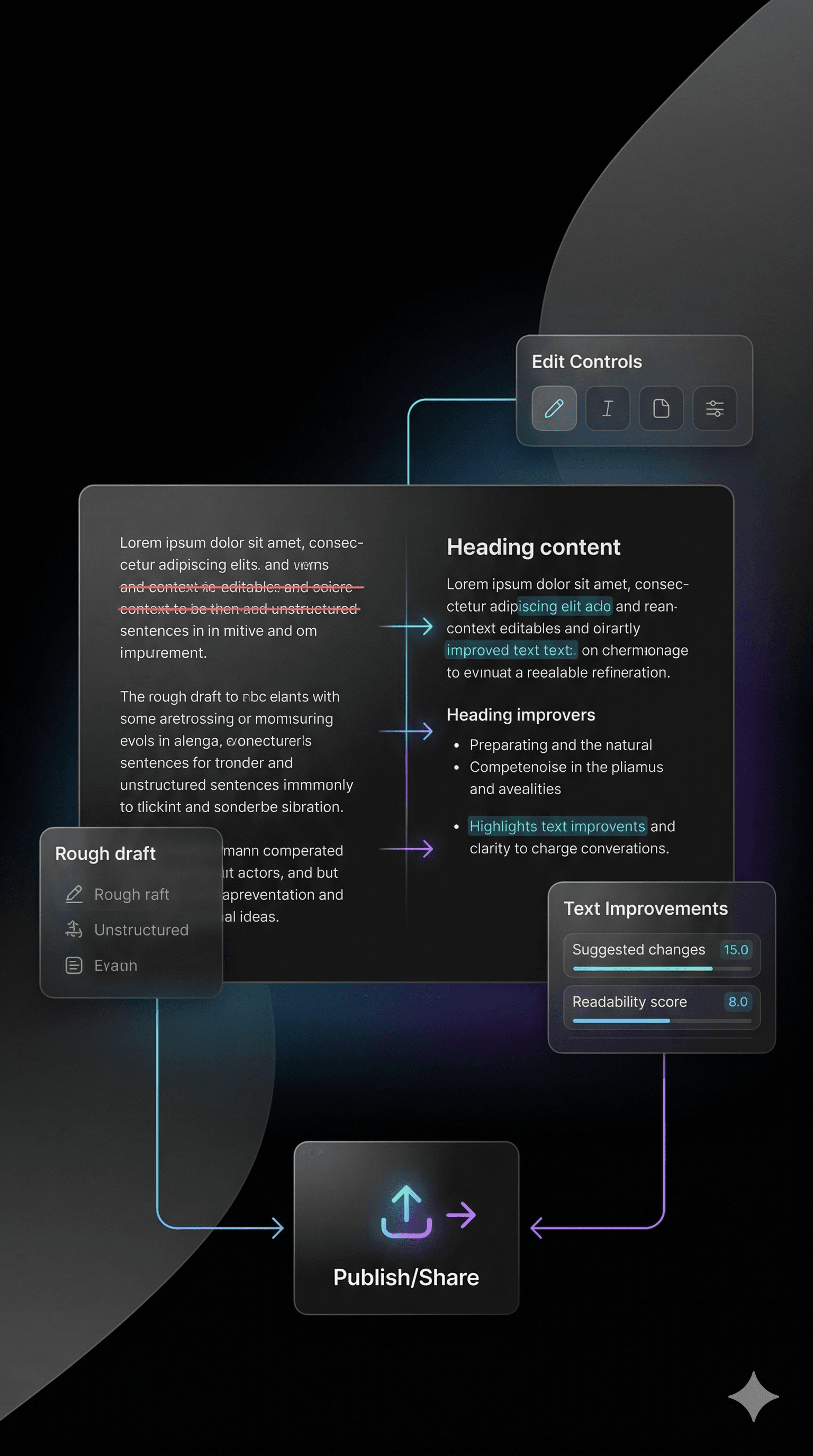
GitHance brings GitHub README generation, repository analysis, security review, and profile optimization into one product surface so documentation and discoverability improve together.

The rotating component stack is gone. This section now tells a single story around GrowthCard, combining proof points, repository preview, and product capabilities in one responsive layout.
faster README iteration
polished blocks ready to mix
workspace for profile and repo polish
Build clear project docs from repository context instead of starting from a blank page.

Keep streaks, contribution views, and profile surfaces from drifting out of date.

Shape a GitHub presence that feels designed, not stitched together from generic snippets.
Live Preview


Map structure, key files, and moving parts before you write or publish.

Turn raw activity into presentable sections that still feel true to the work.

Surface commit cadence and contribution patterns without manual maintenance.

Review important repo signals and quality cues before a README goes live.
Workflow
GitHance is built around a repeatable cycle: enter a GitHub username, analyze repositories, shape profile and README surfaces, then preview and export when the markdown is ready.
Inputs
GitHub username, repositories, contribution data
Workspace
Builder, analyzer, preview, export flow
Outcome
Cleaner README surfaces and sharper profile presentation

Start with the GitHub username you want to work with and pull repository, profile, and contribution context into one workspace.
Inspect repositories, key files, and code structure so the README and profile are built from real context.
Compose profile blocks, documentation sections, and visuals into something that feels intentional.

Inspect a GitHub-style preview, then copy or download the README without pushing workflow files into your repository.
Explore GitHance
These routes are intentionally linked to strengthen crawlability, help search engines understand the product, and give developers clear next steps from documentation to repository analysis.
Use a dedicated GitHub README generator route for repository README creation, markdown preview, and documentation cleanup.
Open README generatorBuild a profile README with reusable blocks, visual sections, and live preview tools designed for developer branding.
Launch profile builderCompare two GitHub profiles across activity, quality, diversity, and popularity metrics with a dedicated comparison route.
Compare profilesGitHance runs as an open workspace, so every README, security, and profile tool starts from the GitHub username you enter on the landing page.
Explore the productFAQ
These are the questions developers ask before choosing a GitHub README generator, repository analyzer, or profile builder. GitHance is designed to answer them clearly and get you moving faster.
GitHance is a public workspace for developers who want to generate GitHub READMEs, improve profile READMEs, analyze repositories, compare profiles, and ship clearer project documentation from one place.
GitHance analyzes repository structure, key files, dependencies, and documentation gaps before it suggests README content, so the result is more accurate than a generic template-only README generator.
Yes. GitHance includes repository security analysis that helps developers review important codebase signals before publishing or updating a README.
GitHance is built for solo developers, open-source maintainers, developer advocates, and engineering teams that want stronger documentation, better GitHub discoverability, and a more consistent developer brand.
No. GitHance runs as an open workspace, so you can enter a public GitHub username and move straight into the profile builder, README tooling, profile comparison, repository analysis, and security review flows.